WiFi File Transfer Pro for Android
Lock your phone. The transfer keeps going.
WiFi File Transfer Pro keeps running with the screen off, downloads whole folders in one click, and comes with a desktop app for Windows and Mac. No ads, one payment.
No ads · One payment · Connect-or-Refund Promise
Features
Transfers keep running with the screen off
Pro runs as a background service, so you can lock your phone, switch apps or put it in your pocket while large transfers finish.
Screen off, still serving
Your computer keeps downloading and uploading while the phone is locked.
Switch apps freely
Answer a message or open another app without dropping the connection.
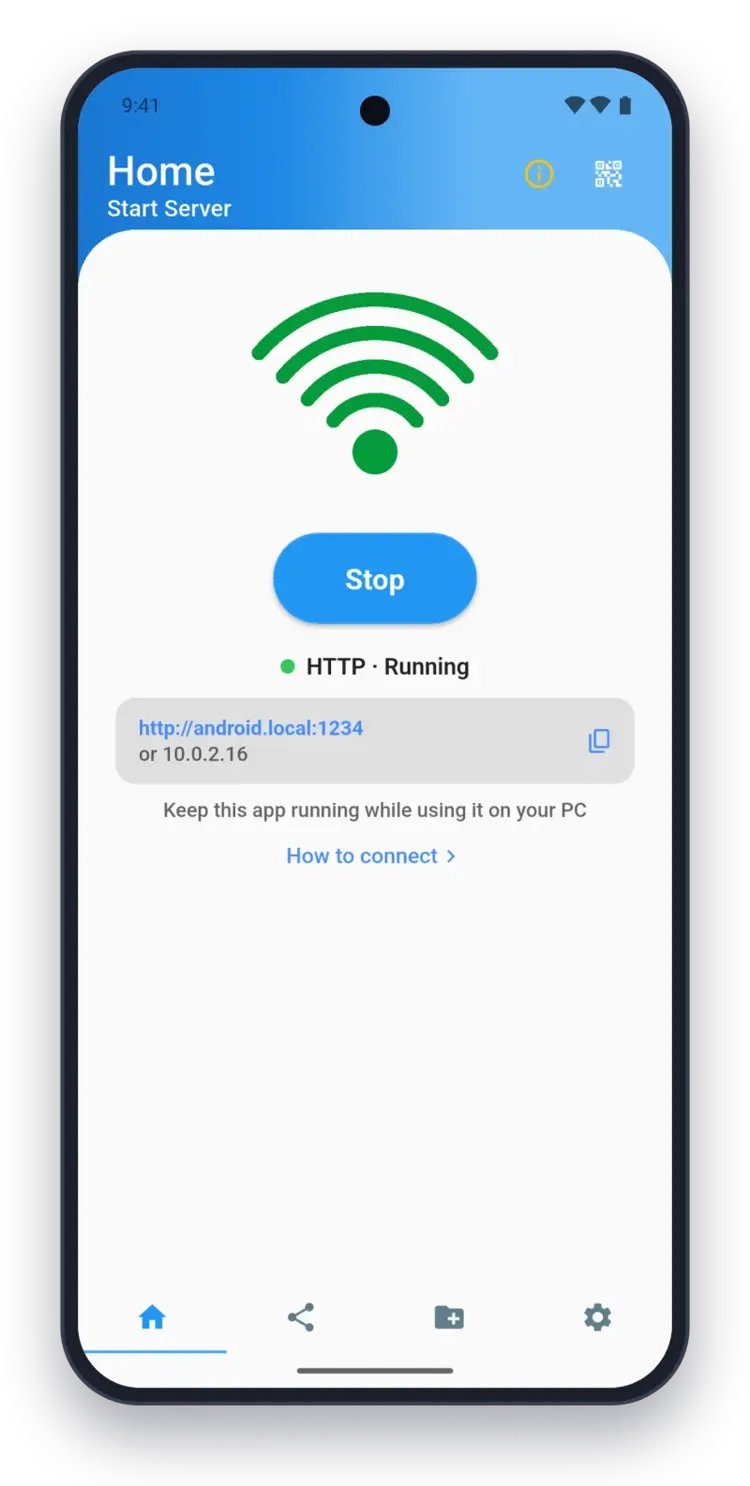
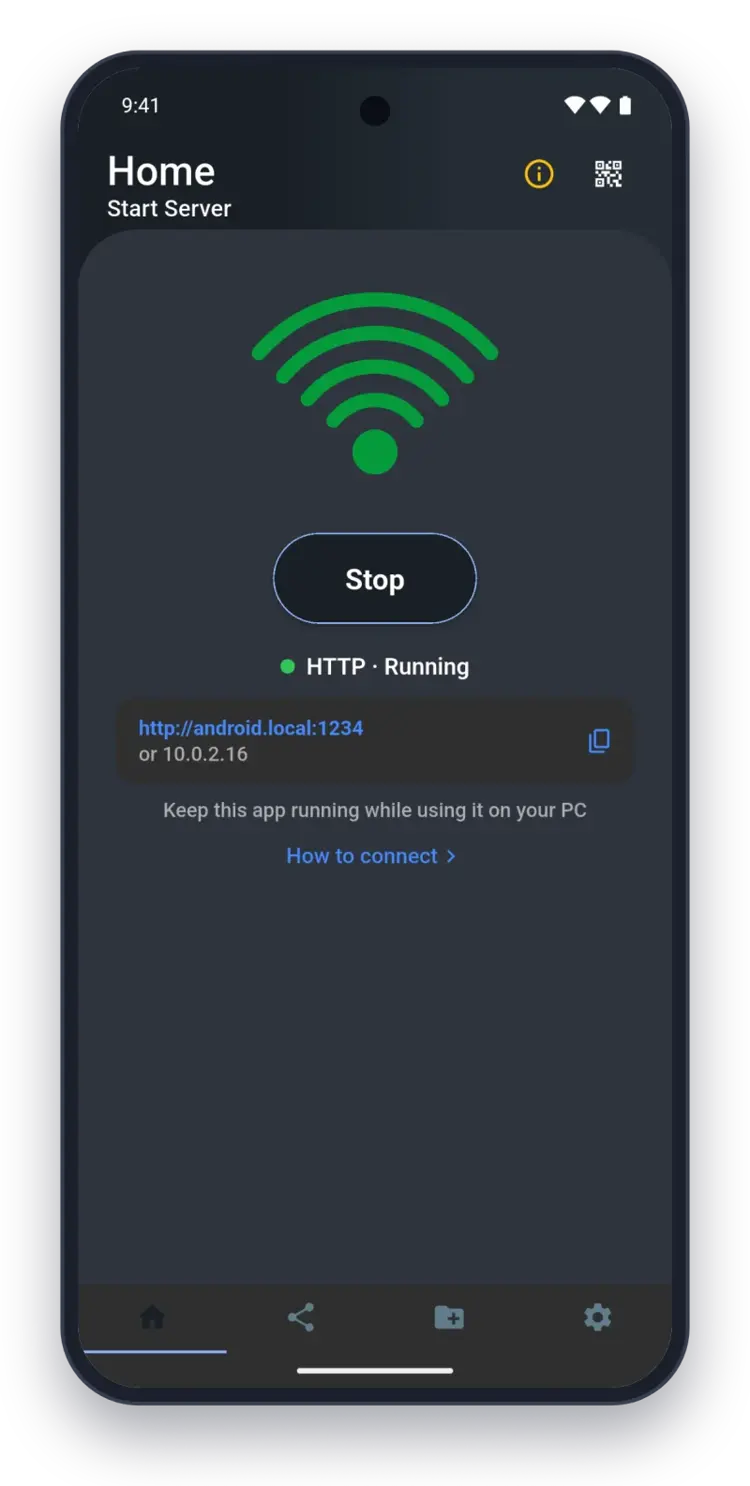
Download whole folders in one click
Save a whole folder to your computer, subfolders included. The easiest way is the desktop app: it saves folders straight to your disk, with no certificate to set up.
Whole folders, subfolders included
No more downloading hundreds of photos one by one.
Desktop app, or HTTPS in a browser
In a browser, folder download needs Pro's HTTPS connection in Chrome or Edge, and accepting its certificate. The desktop app skips all of that.
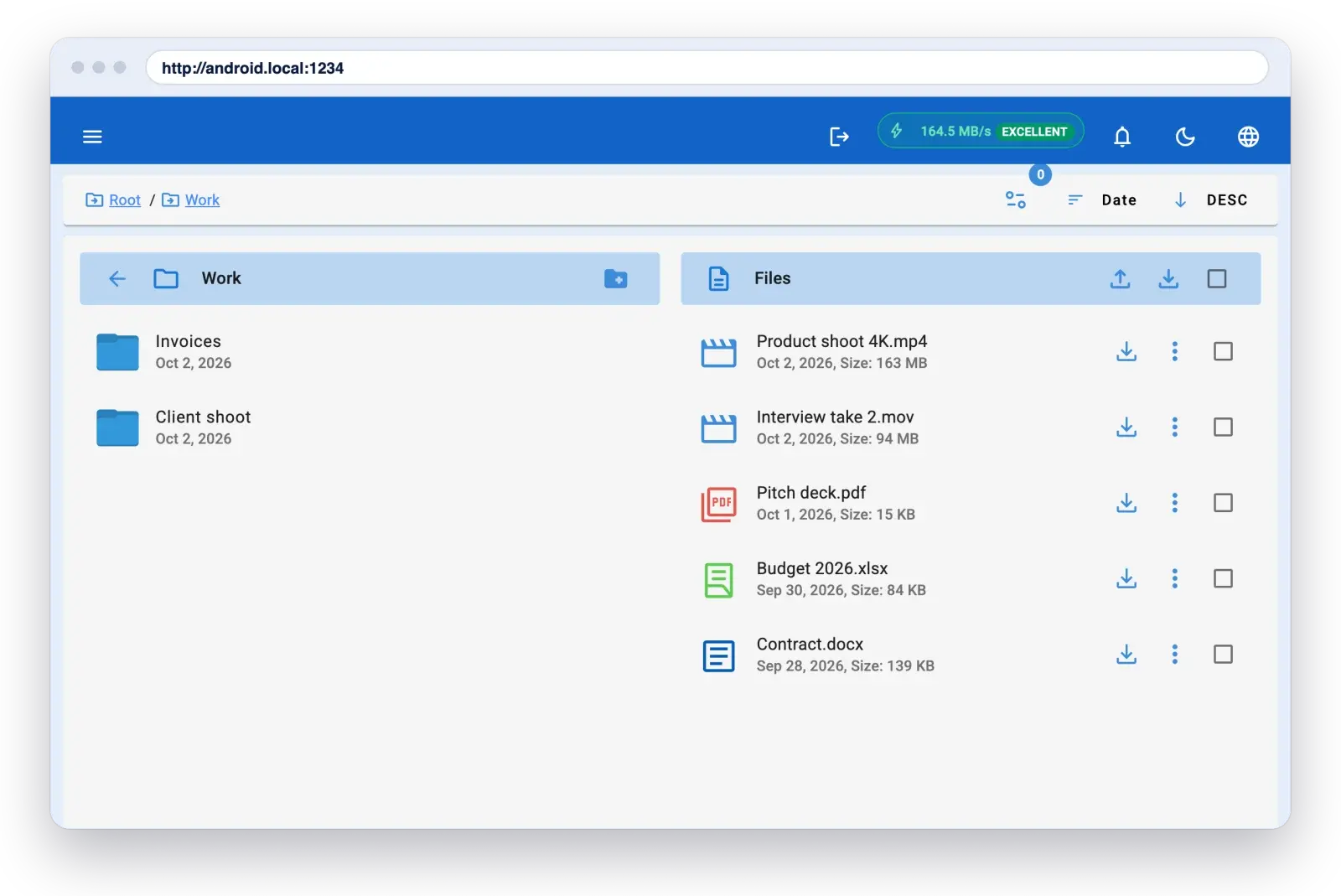
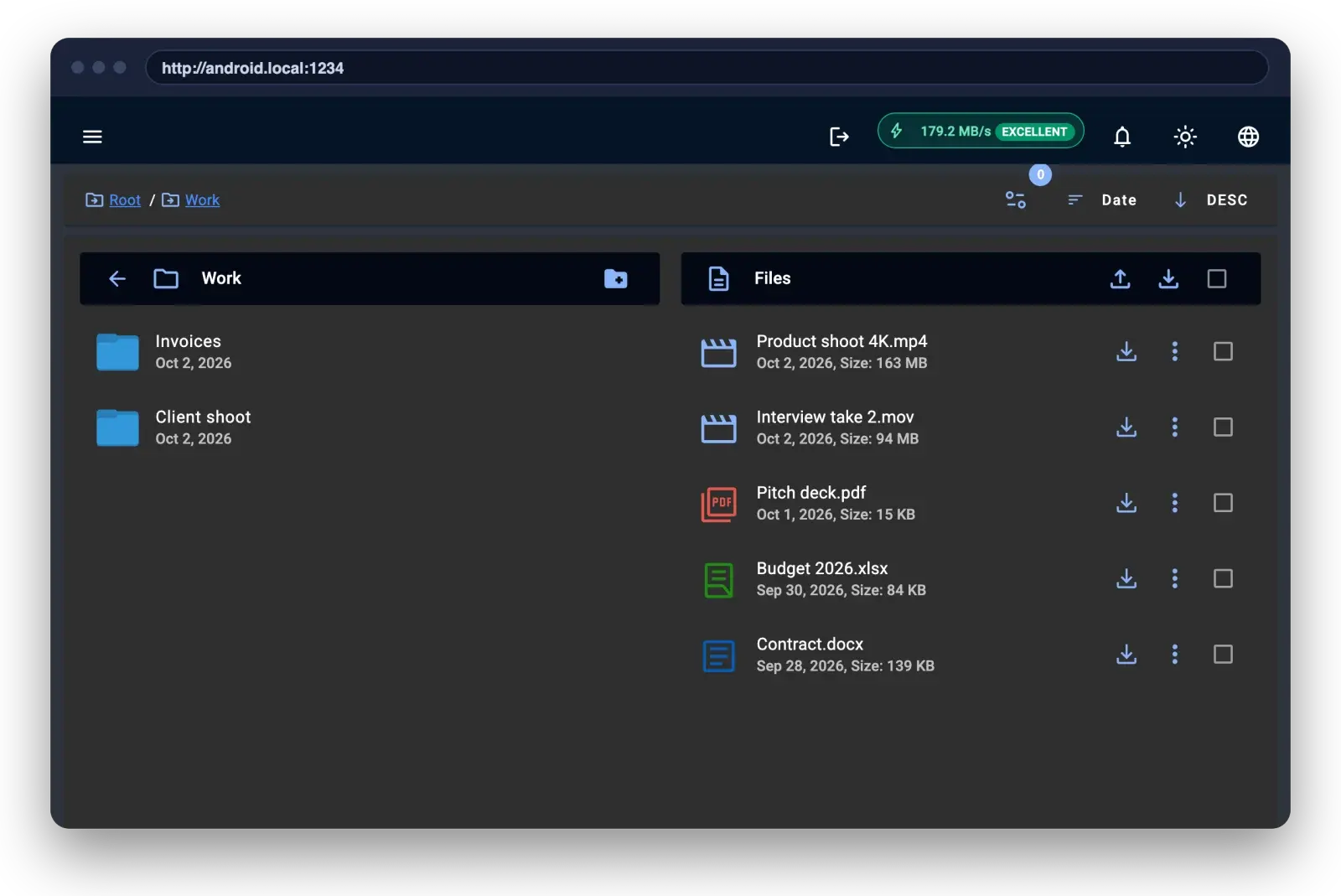
Your phone on your desktop
The desktop app for Windows and Mac finds your phone automatically, with no IP address to type. Included with Pro.
Auto-connects on your Wi-Fi
Open the app on your computer and your phone shows up.
Windows and Mac
Signed desktop apps for both platforms.
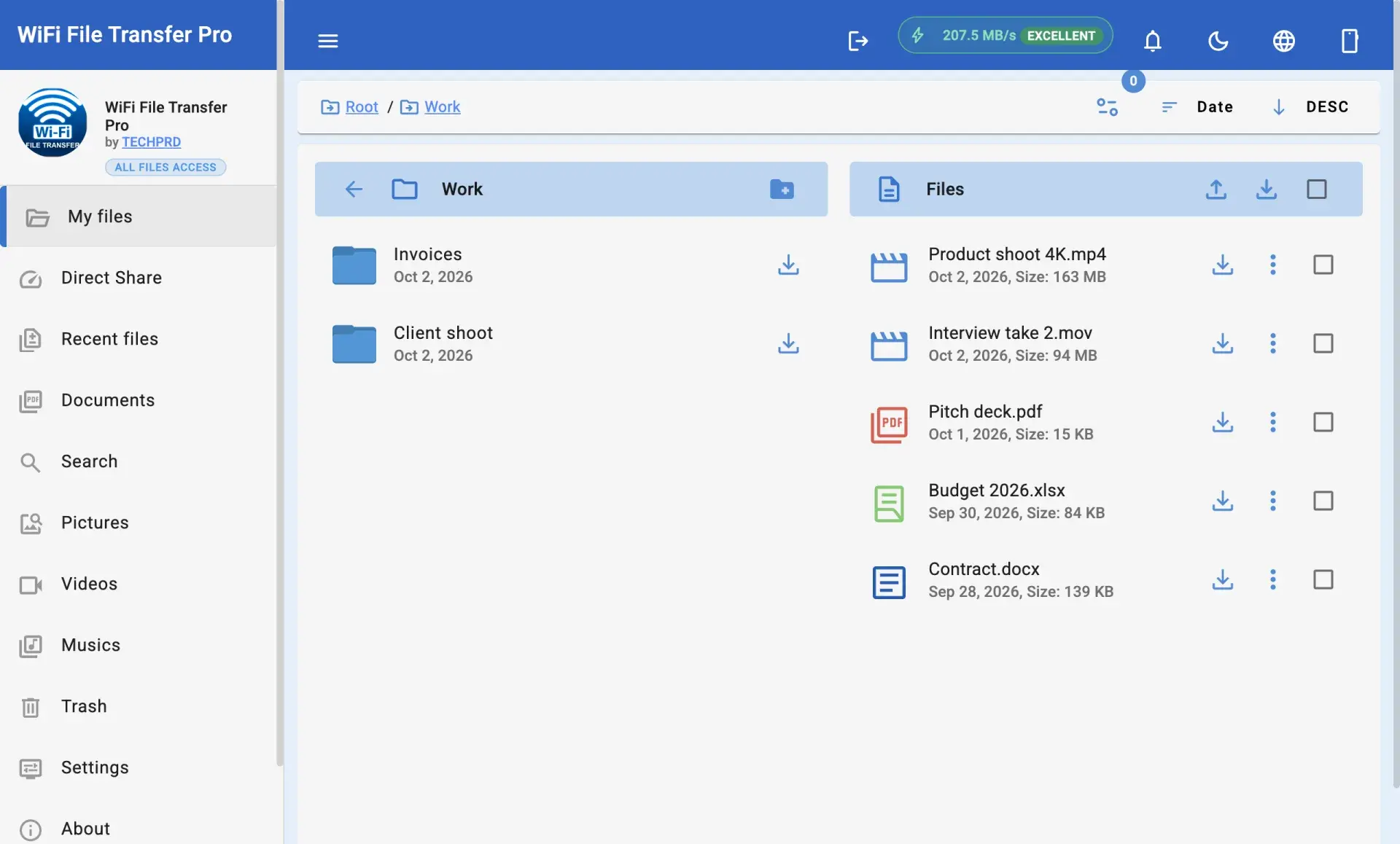
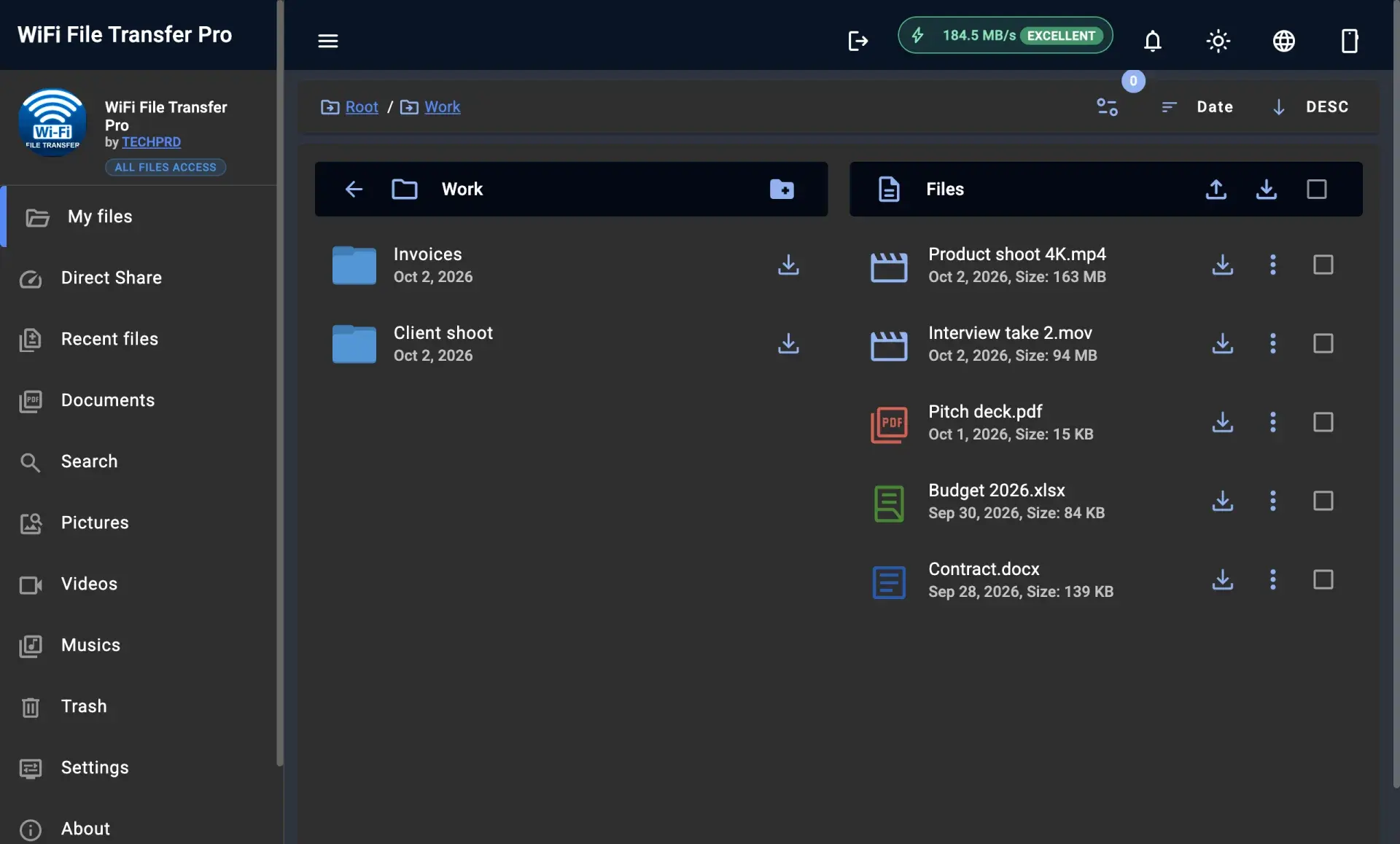
Manage files from your computer, no ads
Upload whole folders to your phone and copy or delete files from your browser. And never see an ad.
Folder upload, copy and delete
Organise your phone's files from your computer's keyboard and screen.
No ads, one payment
Pay once and keep it. No subscription.
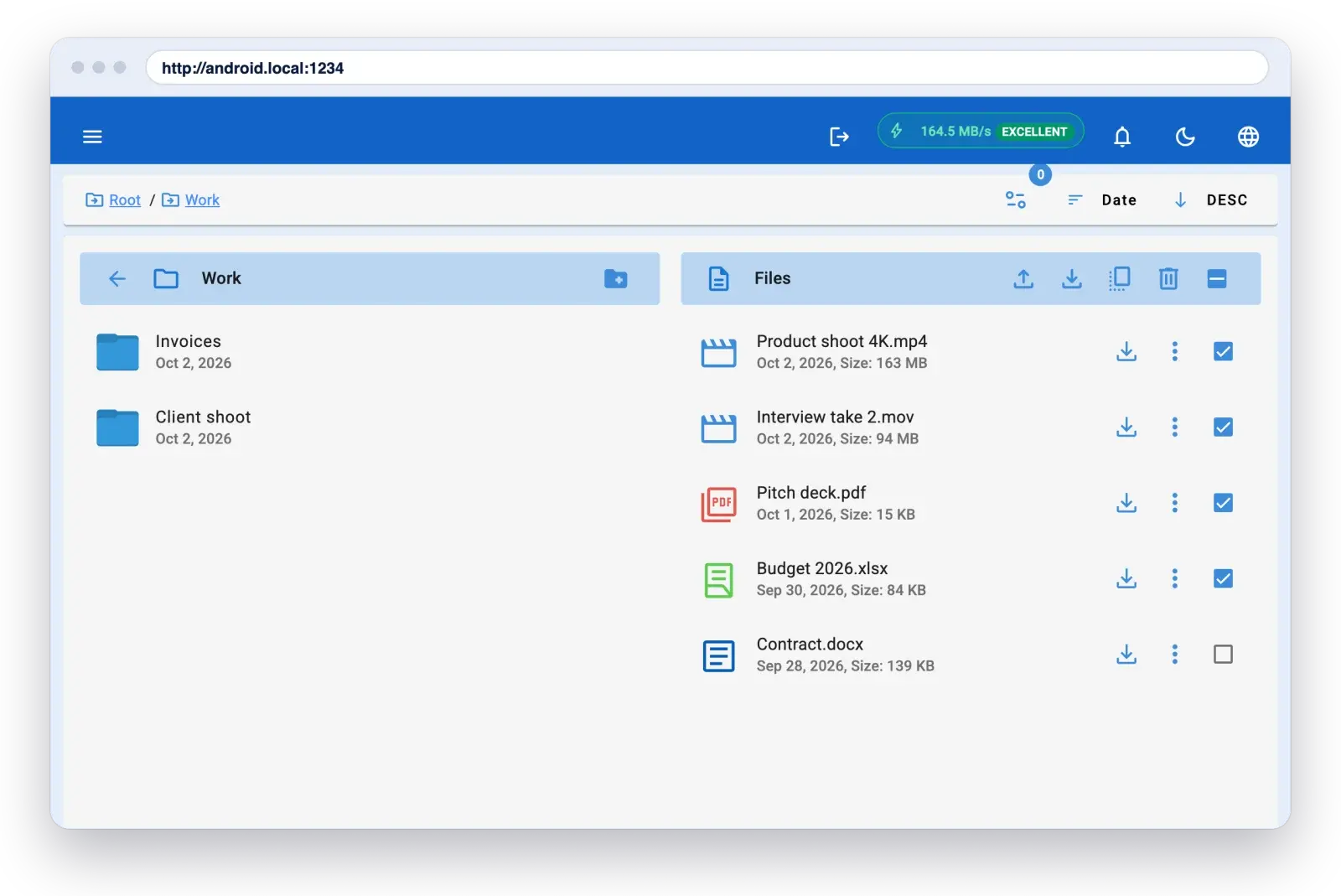
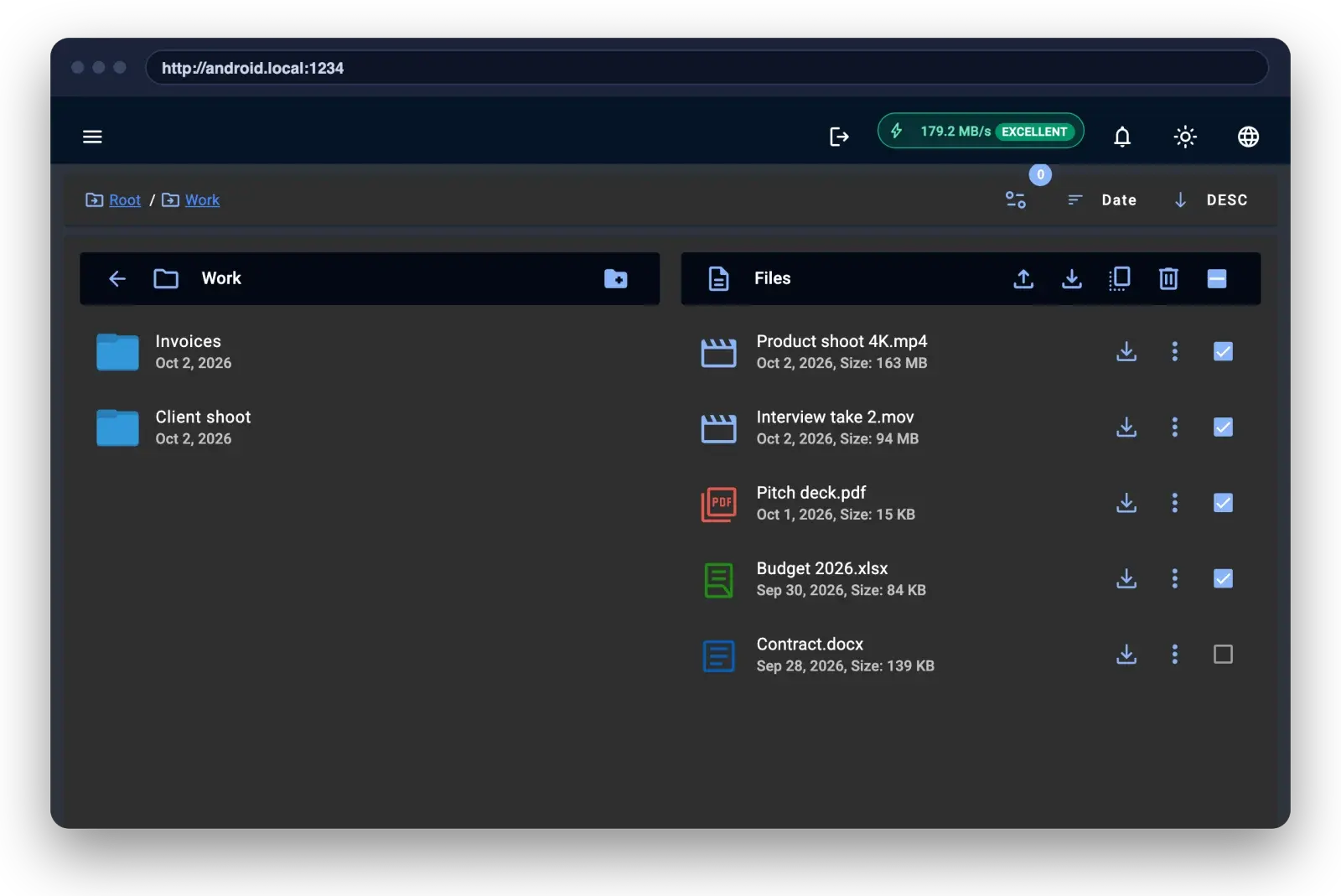
Free does the basics. Pro does the heavy lifting.
| Feature | Free | Pro |
|---|---|---|
| Browse, download and upload files over Wi‑Fi | Included | Included |
| Send files from phone to phone | Included | Included |
| Transfers keep running with the screen off | Not included | Included |
| Download whole folders in one click | Not included | Included |
| Upload folders, copy and delete files from your browser | Not included | Included |
| SD cards and external storage | Not included | Included |
| Desktop app for Windows and Mac | Not included | Included |
| Ads | Yes | None |
| Price | Free | One payment, yours to keep |
360K+
Downloads across all our apps.
15,000+
People use WiFi File Transfer on Android every month.
2,600+
Customers have bought WiFi File Transfer Pro.
Join 15,000+ people who move files without cables every month
No cable, no cloud, no account. Install the app, open the address it shows in your computer's browser, and start moving files.
Connect-or-Refund Promise
If WiFi File Transfer Pro can't connect your phone and computer, email us within 30 days. We'll help you fix it, or refund you in full. support@techprd.com