WiFi File Transfer for iPhone and iPad
iPhone to PC. No cable.
Move files between your iPhone and any computer over Wi‑Fi. Works in any browser on Windows, Mac and Linux. No cable, no cloud, no account. Pay once, no ads.
No cloud · No account · No subscription
Features
iPhone to PC. No cable.
Send files to and from your iPhone, right in your computer's browser.
No account, no cloud, no tracking
Your files stay on your Wi‑Fi. Add a password and HTTPS whenever you want.
Pay once
No subscription and no ads.
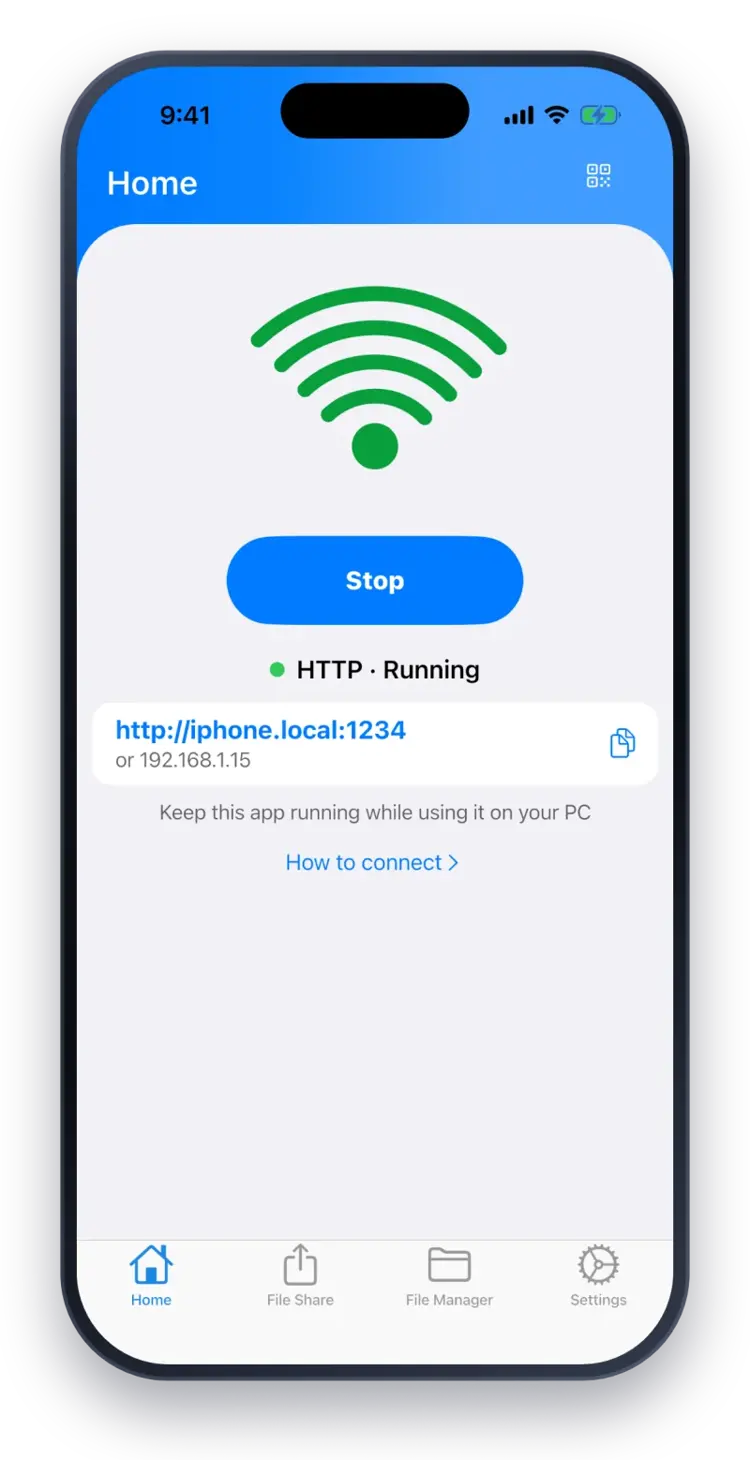
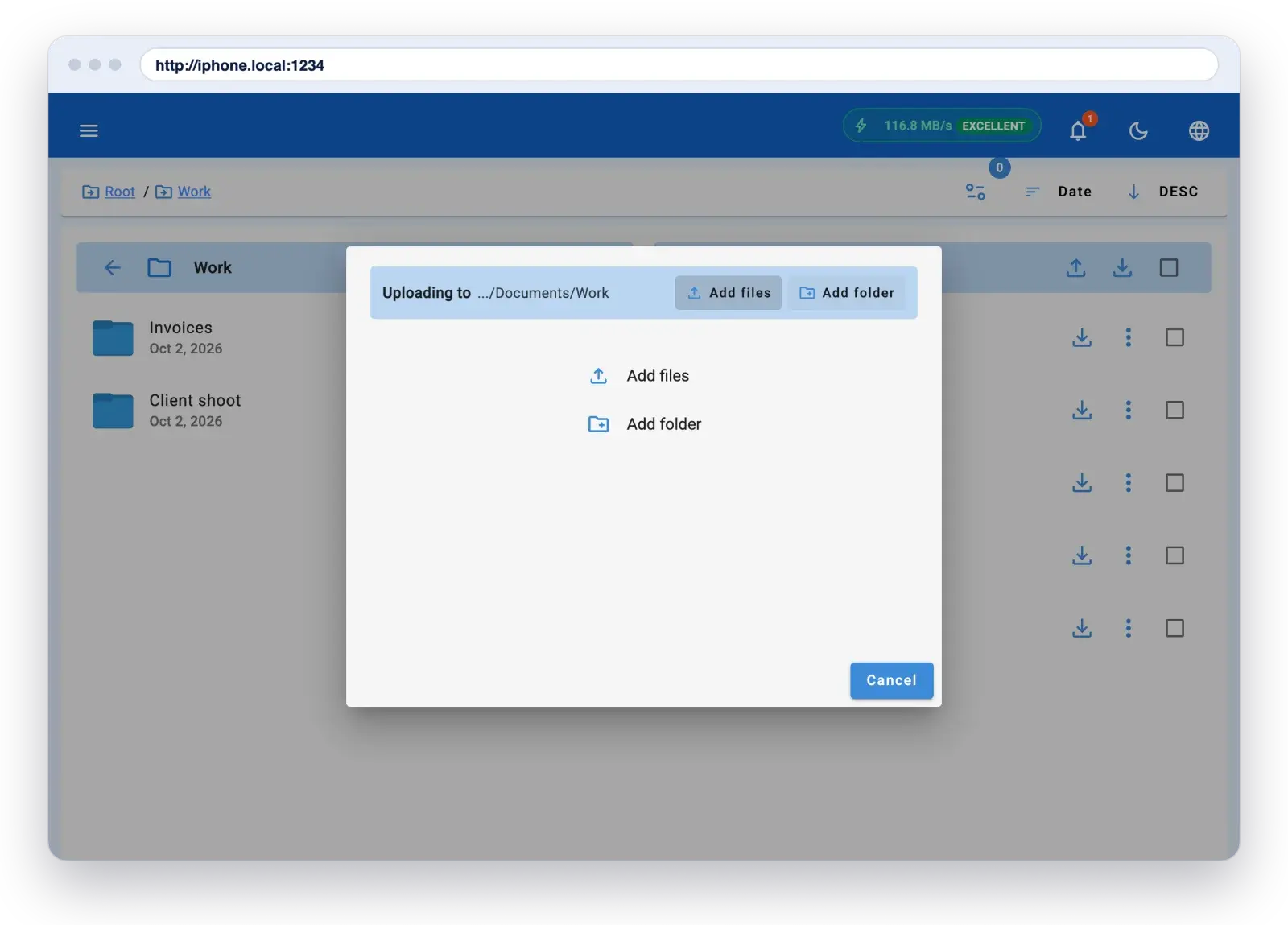
Send whole folders at once.
Add files or a folder in the browser. They land on your iPhone.
Drag and drop
Drop files or a whole folder into the browser on your computer.
Phone to phone
Send files straight to another iPhone, iPad or Android device running the app.
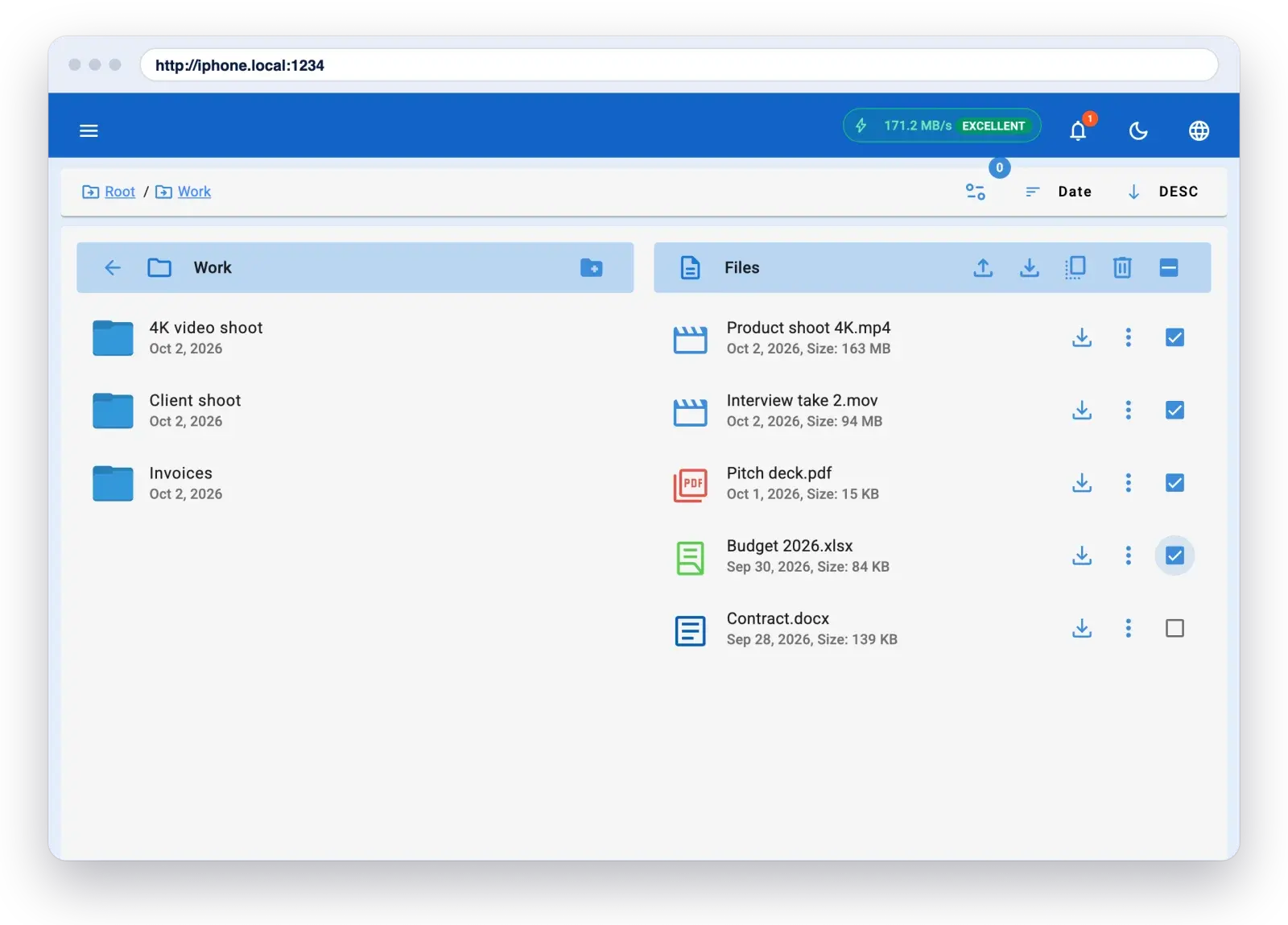
Everything in one ZIP.
Tick the files you want. Download them in one go.
Pick what you need
Tick any mix of files on your computer.
One click
They download together as a single ZIP.
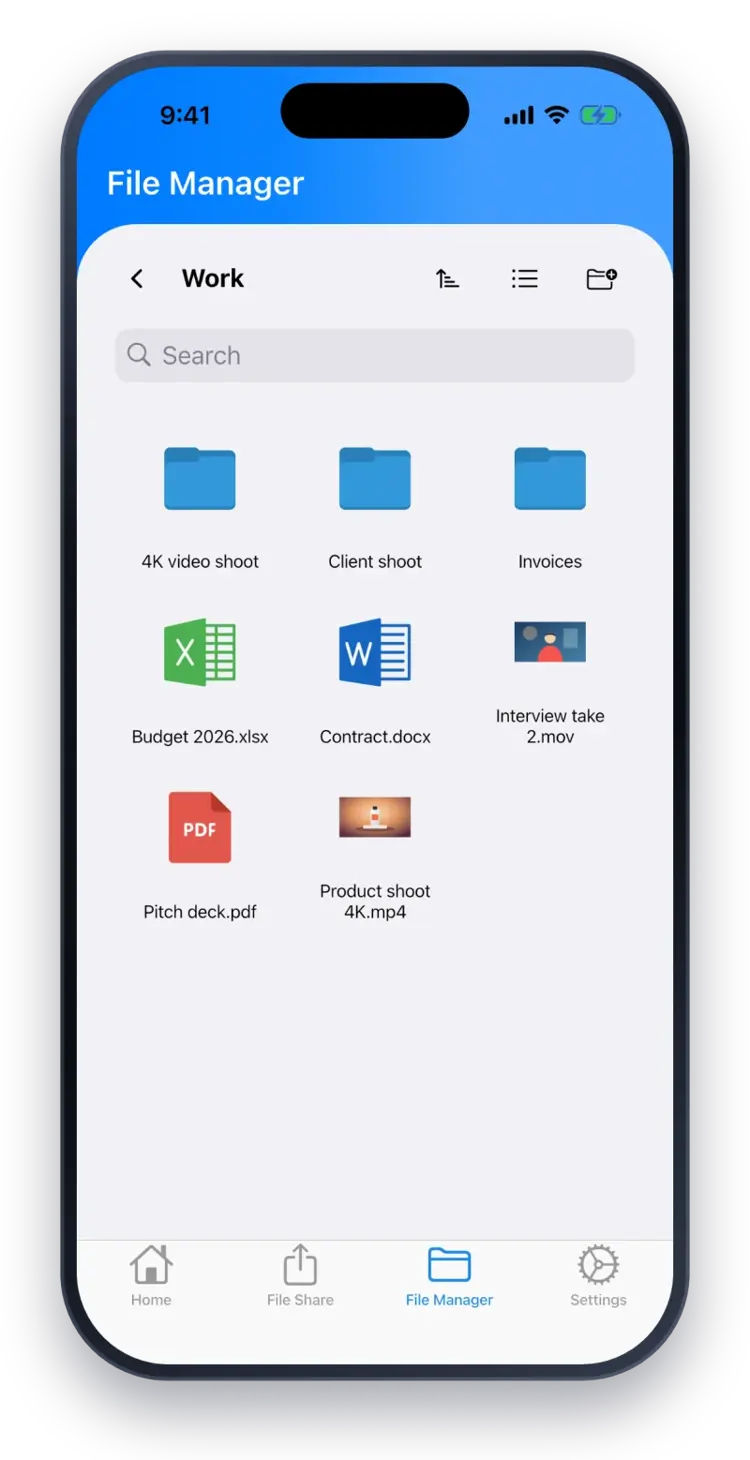
A real file manager, built in.
Browse, search, sort and preview everything you transfer.
Search and sort
Find any file fast.
Preview
Open photos, videos and documents right in the app.
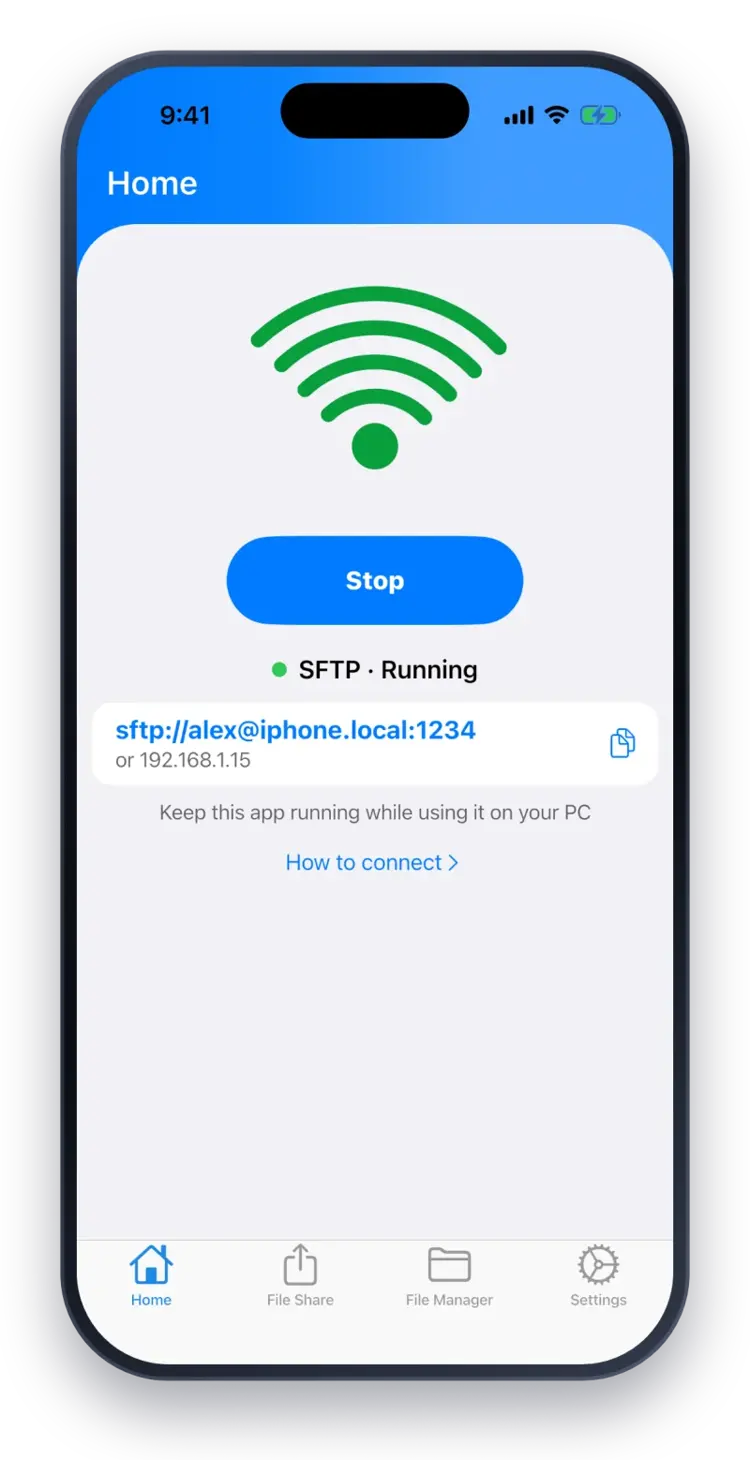
FTP and encrypted SFTP.
Connect with any FTP client.
Any FTP client
Use the FTP or SFTP app you already know.
Less typing
Connect with a friendly .local name instead of an IP address.
360K+
Downloads across all our apps.
15,000+
People use WiFi File Transfer on Android every month.
2,600+
Customers have bought WiFi File Transfer Pro.