Your phone's files on your desktop. No cables. Nothing to type.
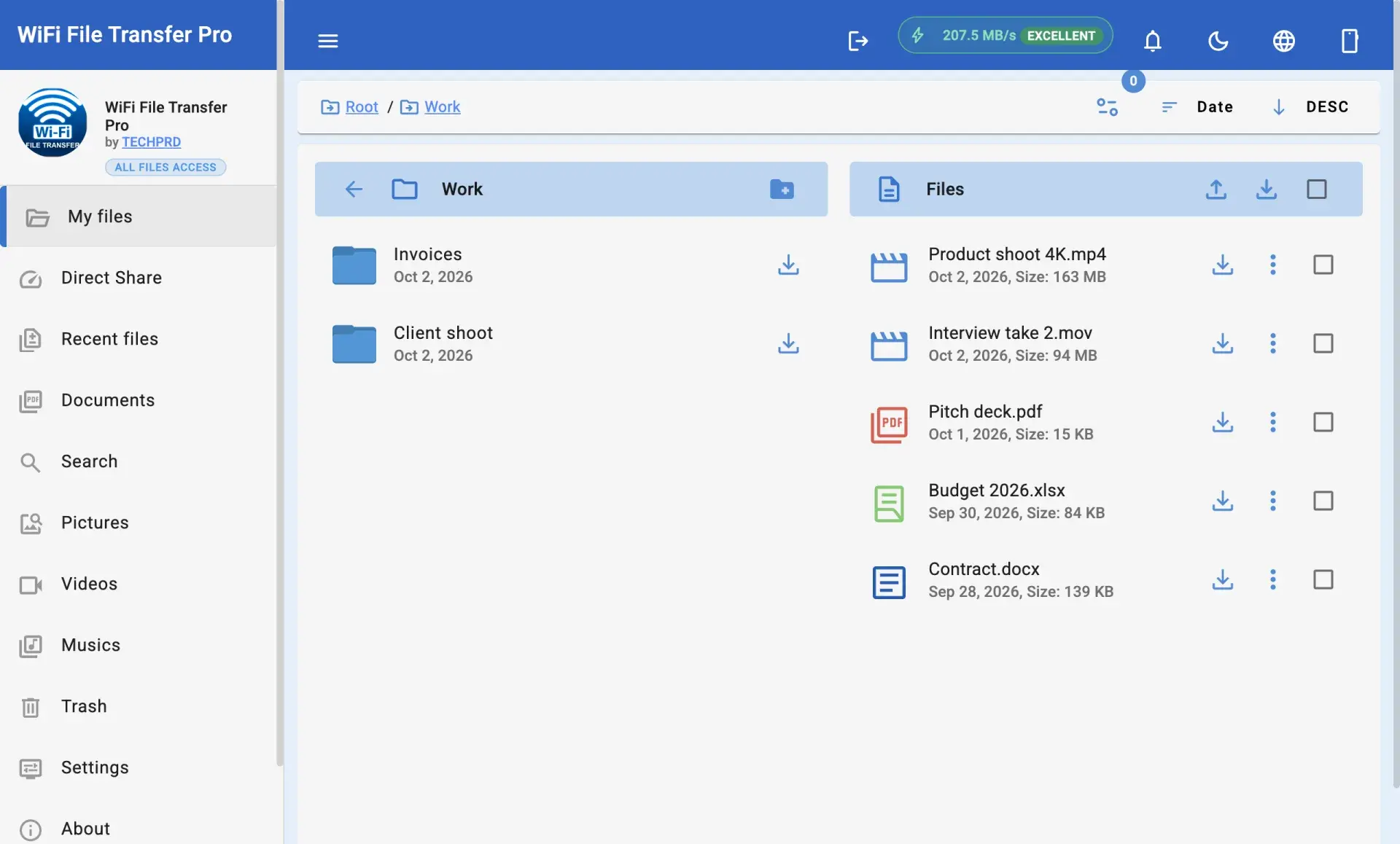
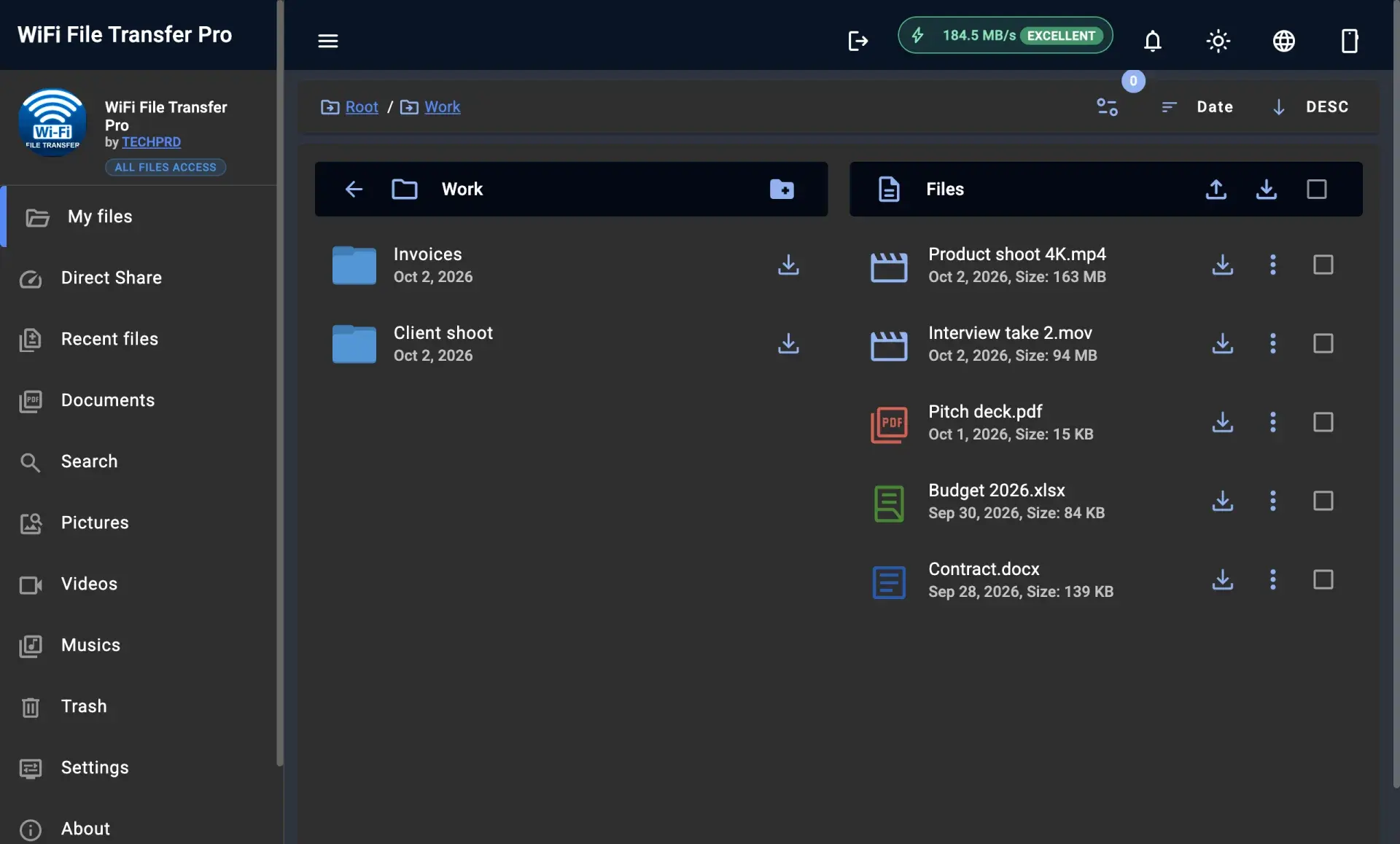
The desktop app for Windows and Mac finds your Android phone on your Wi‑Fi by itself. Drag and drop whole folders, move big files fast, and keep transfers going even with your phone's screen off.
Windows 10 & 11 · macOS 11+ · Other downloads: Older Mac (Intel)
This is a beta
The desktop app is new, so you may run into bugs. If something doesn't work as expected, please tell us. Every report helps us fix it faster.
Why use the desktop app instead of a browser?
The browser is handy for a quick transfer on someone else's computer. The desktop app is made for the computer you use every day.
| Feature | Web browser | Desktop app |
|---|---|---|
| Connecting | You read an address off your phone and type it into the browser every time | Nothing to type. The app finds your phone by itself |
| Staying connected | Stops if the browser tab is closed by accident | Keeps going while you use other apps |
| Moving files | You add files through the browser's file picker | Drag and drop straight from File Explorer or Finder |
| Warnings and speed | With the secure (HTTPS) option on, the browser shows a warning you must click through | No warnings, and files move at your Wi‑Fi's full speed |
Built for speed, simplicity, and complete privacy
Everything you need to move large photo libraries, 4K videos, and documents between your phone and computer.
No addresses to type
Forget typing numbers like 192.168.1.15:1234. The app spots your phone on your Wi‑Fi and connects in one click.
Fast, over your own Wi‑Fi
Files go straight from your phone to your computer without uploading anywhere first. No size limits, no data charges.
Works with the screen off
Lock your phone and put it in your pocket. Pro keeps running, so transfers don't stop halfway.
Drag & Drop Whole Folders
Drop photo albums, music or video folders straight into the app. Folders inside them come across just as they were.
Private, no cloud
Your files never go to the internet or anyone else's servers. They stay on your own Wi‑Fi.
Up and running in a minute
No account to create, nothing to upload. Just three steps.
- 1
Install the desktop app
Download the installer for Windows or Mac. Setup completes in seconds.
- 2
Open WiFi File Transfer on Android
Launch the app on your phone and tap Start. Pro ensures transfers keep running when your screen locks.
- 3
It connects by itself
The app finds your phone on your Wi‑Fi. Click to browse, download, or drag files in.
Included with WiFi File Transfer Pro
No subscription. One payment on Google Play gets you both the Android Pro app and the desktop app.
What you need
Windows Requirements
Windows 10 or 11, on the same Wi‑Fi (or wired network) as your phone.
macOS Requirements
macOS 11 Big Sur or newer. One download for newer Macs with Apple chips, one for older Intel Macs.
Phone Requirements
Android 7 or newer with WiFi File Transfer Pro, on the same Wi‑Fi as your computer.
FAQ & Troubleshooting
Frequently Asked Questions
Everything you need to know about WiFi File Transfer Desktop and how it works with your Android phone.
Ready to stop plugging in cables and typing addresses?
Download WiFi File Transfer Desktop for Windows or Mac today. Included with Pro, no ads, no subscriptions.
Windows 10 & 11 · macOS 11+ · Other downloads: Older Mac (Intel)
If WiFi File Transfer Pro can't connect your phone and computer, email us within 30 days. We'll help you fix it, or refund you in full. support@techprd.com